Microsoft Copilot
Work faster, make better decisions, and unlock new productivity with AI.
Features & Functions
Works in apps teams already use
Built-in apps
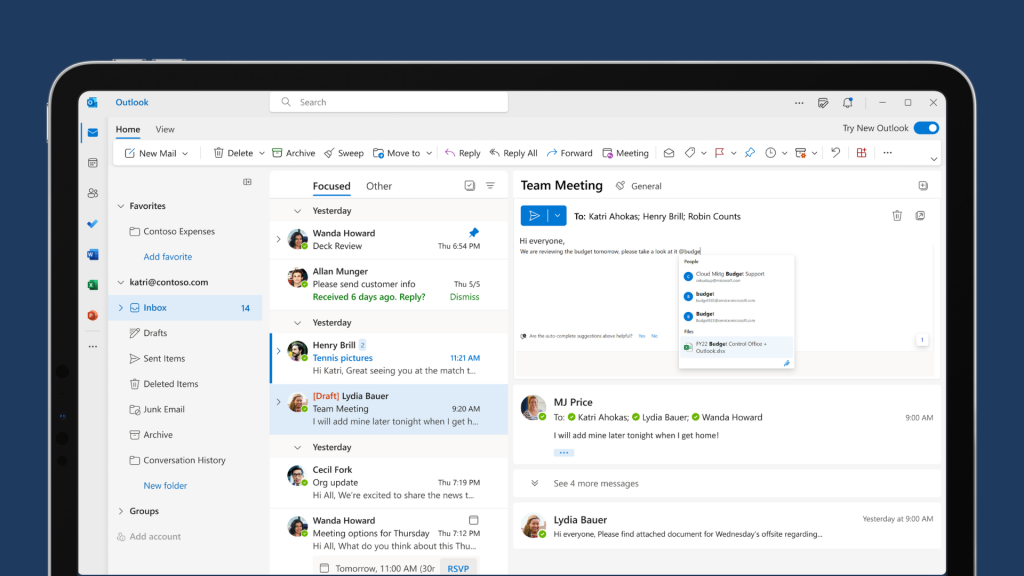
Copilot is built into Microsoft apps like Word, Excel, PowerPoint, Outlook and Teams. It helps teams write, summarise information, create presentations and analyse data without needing to switch tools.
Keeps information safe
Secure AI
Copilot follows Microsoft’s enterprise-grade security and privacy standards, helping protect company data while ensuring information is handled responsibly across your organisation.
Can be customised for any business
Customisation
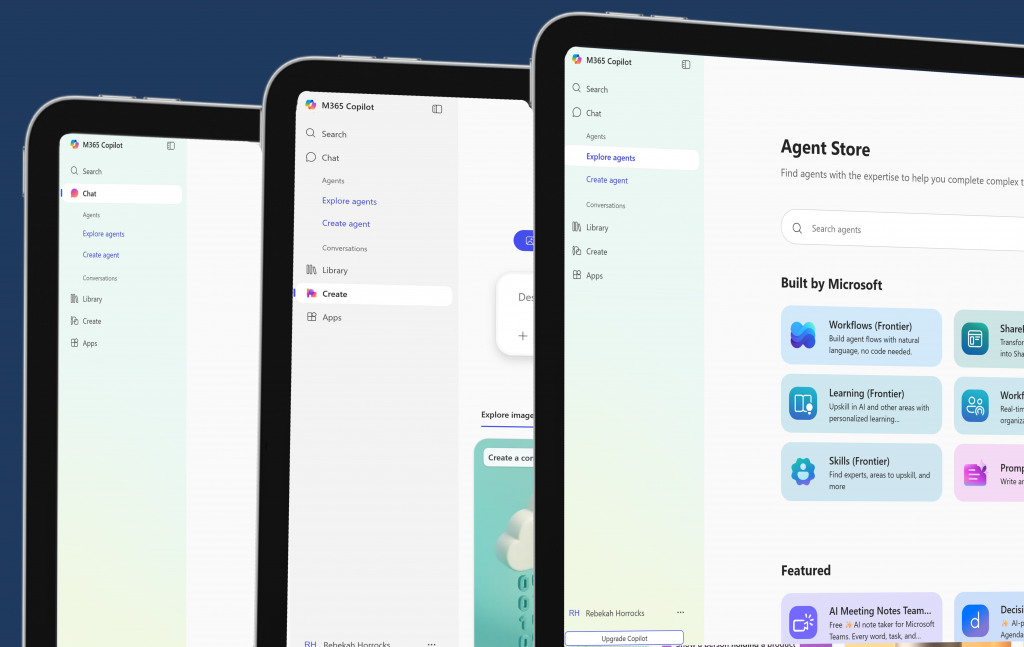
Copilot can be connected to any business systems and data sources, allowing it to answer questions, automate tasks and provide insights using information specific to each organisation.
Built into Dynamics 365
Dynamics integration
Within Dynamics 365, Copilot helps teams analyse data, automate routine work and make faster decisions across sales, customer service and finance.
Helps teams work faster
Faster CRM work
Copilot helps teams work faster by drafting sales emails, summarising customer issues, suggesting knowledge articles and generating marketing ideas using simple prompts.
Let's teams ask natural questions
Prompting
Ask Copilot questions in plain language such as “Show this month’s sales” or “Summarise this customer case”, and it quickly returns the relevant information and insights.
Copilot demo
Take a look at Copilot in action. If you’re interested in seeing a demo one on one where you can ask any questions you want, book in a free discovery call with us.
The video above was created by Microsoft.






Why choose us?
We start with your processes, not the software
Businesses don’t fail because of technology, they struggle when systems don’t reflect real-world workflows. We take time to understand your processes and build the solutions around them, not the other way around.

We work with your team, we don't just deliver a system
Your projects require coordination, clarity, and accountability, and so does digital transformation. Our approach includes: regular check ins, project updates, and clear milestones. You’re never left wondering where the project stands.

We focus on long-term value, not a quick go-live
Your systems need to evolve as projects and teams scale and grow. We don’t disappear after launch. We provide support with adoption and training, optimisation, process refinement, and strategic improvements over time.
FAQ’s
What types of businesses can benefit from Microsoft Copilot?
Microsoft Copilot can support organisations of all sizes, from growing businesses to large enterprises.
Any company that uses Microsoft tools such as Microsoft 365 or Dynamics 365 can benefit from Copilot’s ability to automate tasks, analyse information and help employees work more efficiently.
Does Microsoft Copilot keep company and customer data secure?
Yes. Microsoft Copilot follows Microsoft’s enterprise-grade security, privacy and compliance standards.
It uses the same security controls that protect Microsoft 365 and Dynamics 365 data, helping ensure company and customer information remains protected and handled responsibly.
Which Microsoft tools does Copilot work with?
Copilot works across many Microsoft products, including Word, Excel, PowerPoint, Outlook, Teams and Dynamics 365.
This allows employees to use AI directly within the tools they already rely on for communication, collaboration, reporting and customer management.
Can Microsoft Copilot be customised for our business processes?
Yes. Businesses can connect Copilot to their own systems, data and workflows.
This allows Copilot to provide insights, answer questions and automate tasks using company-specific information, helping teams make better decisions and work more efficiently.
Do employees need technical skills to use Microsoft Copilot?
No. Copilot is designed to be used with natural language, meaning employees can simply ask questions or give instructions in plain English.
This makes it easy for teams across the business to use AI without needing technical or programming knowledge.
Start your journey
Book a free consultation and discover how to eliminate manual work, improve visibility and scale with confidence. No obligation, just a 30-minute call.