Features & Functions
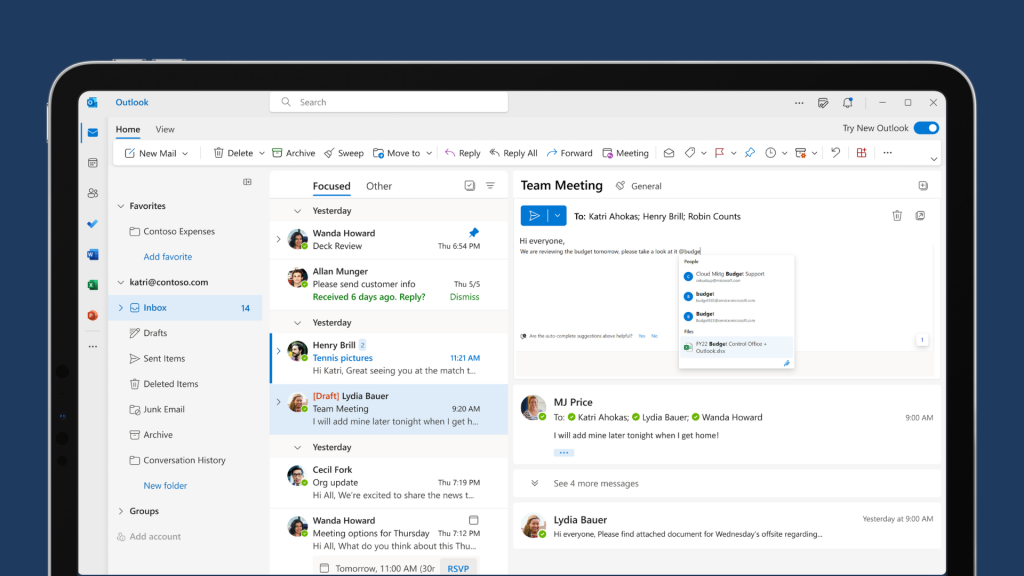
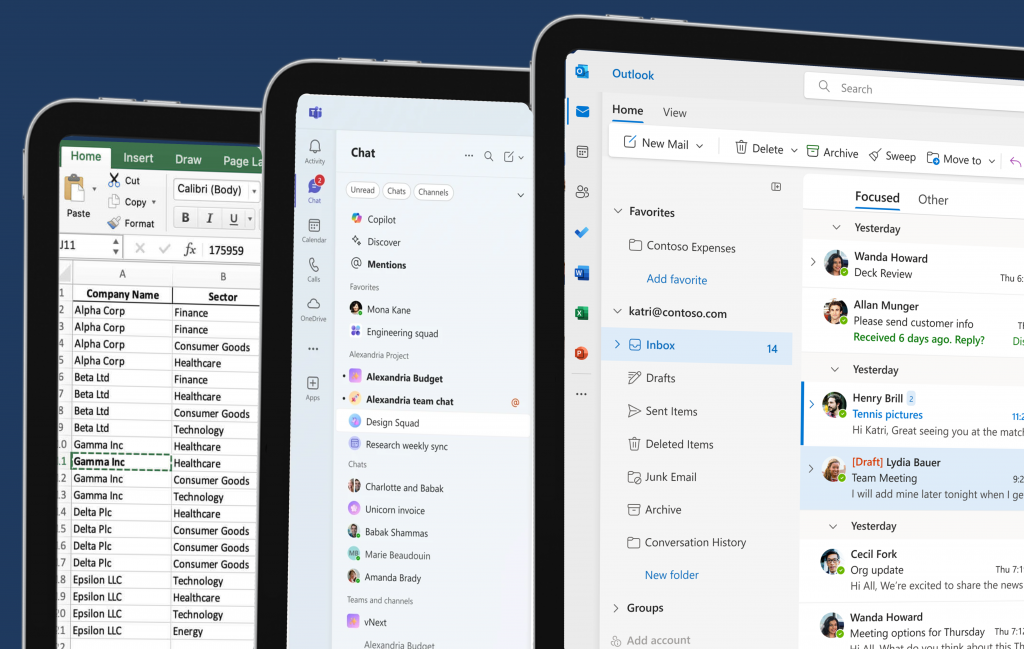
Outlook helps businesses streamline their email communication and boost productivity.
Word enables teams to create professional documents and reports with ease.
PowerPoint helps businesses create engaging and visually stunning slideshows.
Excel helps teams harness the power of data analysis and visualisation.
OneNote enables teams can capture and organise their thoughts, ideas, and to-dos in one place.
Make and receive traditional phone calls through the Teams app on multiple devices with Teams Phone.
OneDrive helps teams store, share, and collaborate on files, with the assurance of data security and compliance.
Copilot is embedded in multiple M365 products, giving businesses a helping hand when they need it.
Teams helps you improve collaboration and communication experience, enabling seamless teamwork.
SharePoint helps teams organise, share, and manage content, knowledge, and applications.
Microsoft 365 demo
Take a look at how you can use Copilot within Teams to help you take your next steps during a meeting. If you’re interested in seeing a demo one on one where you can ask any questions you want, book in a free discovery call with us.
The video above was created by Microsoft.






Why choose us?

We start with your processes, not the software
Businesses don’t fail because of technology, they struggle when systems don’t reflect real-world workflows. We take time to understand your processes and build the solutions around them, not the other way around.

We work with your team, we don't just deliver a system
Your projects require coordination, clarity, and accountability, and so does digital transformation. Our approach includes: regular check ins, project updates, and clear milestones. You’re never left wondering where the project stands.

We focus on long-term value, not a quick go-live
Your systems need to evolve as projects and teams scale and grow. We don’t disappear after launch. We provide support with adoption and training, optimisation, process refinement, and strategic improvements over time.
FAQ’s
Does Microsoft 365 keep business data secure?
Microsoft 365 includes enterprise-grade security features designed to protect business data.
These include data encryption, multi-factor authentication, threat protection and compliance tools, helping organisations safeguard sensitive information and reduce security risks.
Can employees access Microsoft 365 from anywhere?
Yes. Because Microsoft 365 is cloud-based, employees can securely access emails, files and applications from almost any device with an internet connection.
This allows teams to collaborate in real time and continue working whether they are in the office, at home or travelling.
What size of business is Microsoft 365 suitable for?
Microsoft 365 is designed for organisations of all sizes, from small businesses to large enterprises.
Smaller teams benefit from easy collaboration and professional email, while larger organisations can use advanced security, device management and productivity tools to support a growing workforce.
Can Microsoft 365 integrate with other business systems?
Yes. Microsoft 365 integrates with a wide range of Microsoft solutions, including Dynamics 365, Power BI and Microsoft Copilot.
It can also connect with many third-party applications, helping businesses create a connected digital workspace where information flows between systems.
What applications are included in Microsoft 365?
Microsoft 365 includes a wide range of productivity, collaboration and security tools designed for modern businesses. Core applications include Outlook, Word, Excel, PowerPoint, Teams, OneDrive and SharePoint.
Depending on the plan, organisations may also have access to tools such as Microsoft Defender, Intune, Exchange, Planner, Forms, Viva and Microsoft Copilot, helping teams collaborate, communicate and work securely across the business.
Start your journey
Book a free consultation and discover how to eliminate manual work, improve visibility and scale with confidence. No obligation, just a 30-minute call.